The first time I tried to work from camp, I thought I was set.
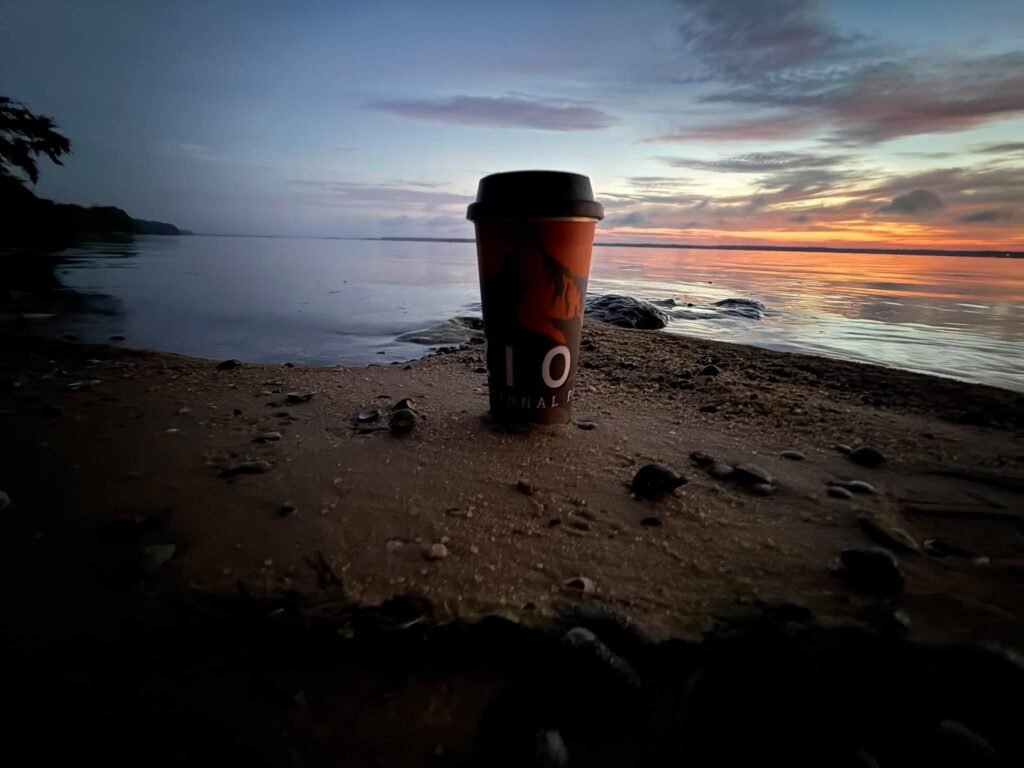
My navy KÜHL Interceptr fleece on, the one jacket I don’t go anywhere without. Laptop open. A picnic table, a beautiful lake, a big rock catching the morning light. I’m good, I thought.
Then I got sidetracked. The view, the light, the phone, the urge to grab a picture. The laptop sat open, and not much happened on it.
Here’s what I learned: working from camp isn’t just about power. You can have Starlink, a strong connection and a camp that’s dialed in, and still get nothing done. The time has to be about the work, not about Instagram, and not about staring off at how beautiful it all is. Done right, it becomes an outdoor office, not a distraction.
Get connected before you need it
Working from the road starts with knowing you’ll have a connection: cell signal, Wi-Fi, Starlink, whatever you’re running. Check it when you arrive, not five minutes before a call.
Then know what you’re there to get done. Have your files saved to the cloud, and keep what you need on a thumb drive as a backup. If the connection drops or gets interrupted, you can keep working instead of losing the afternoon.
Finding the right spot
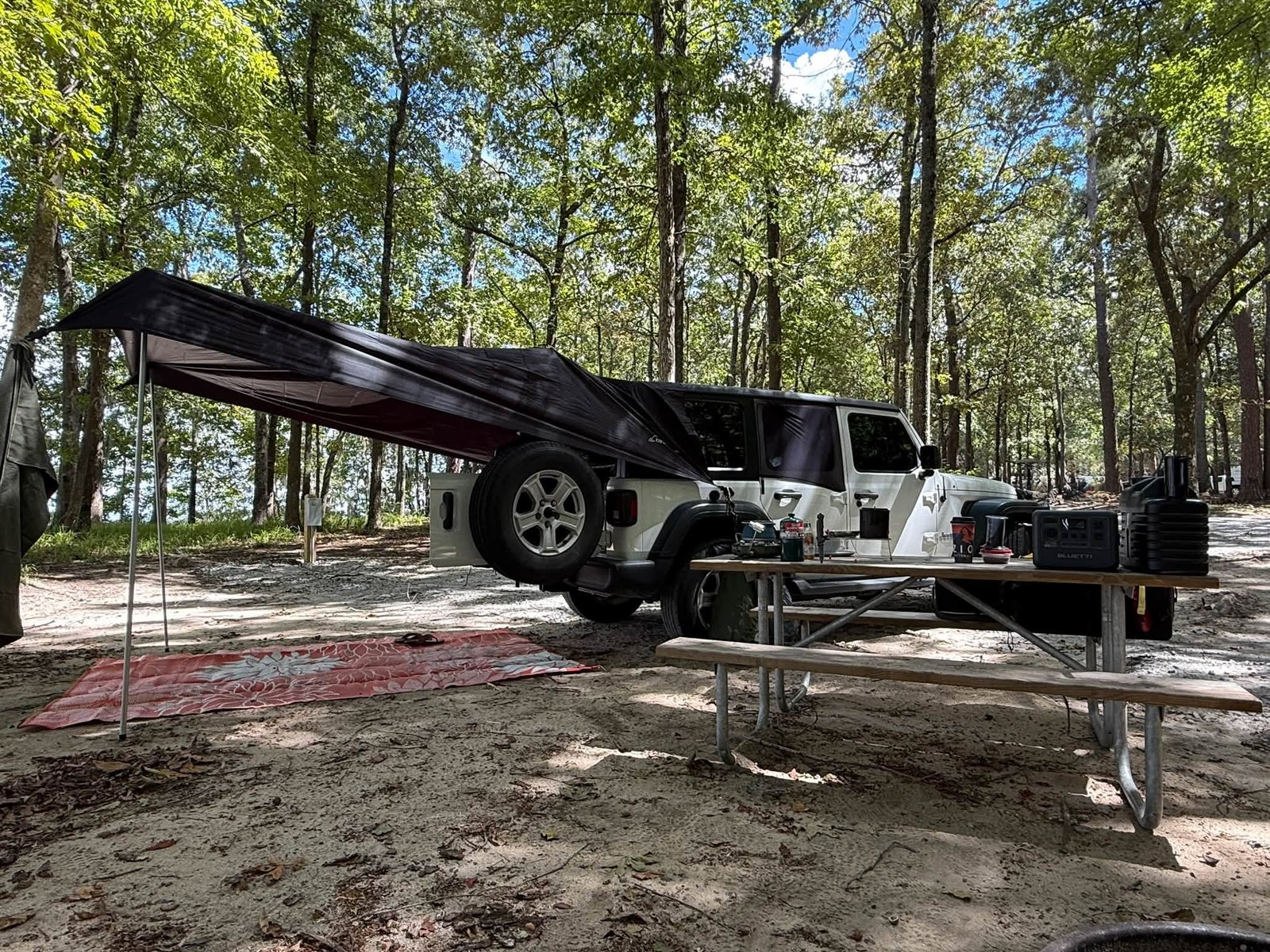
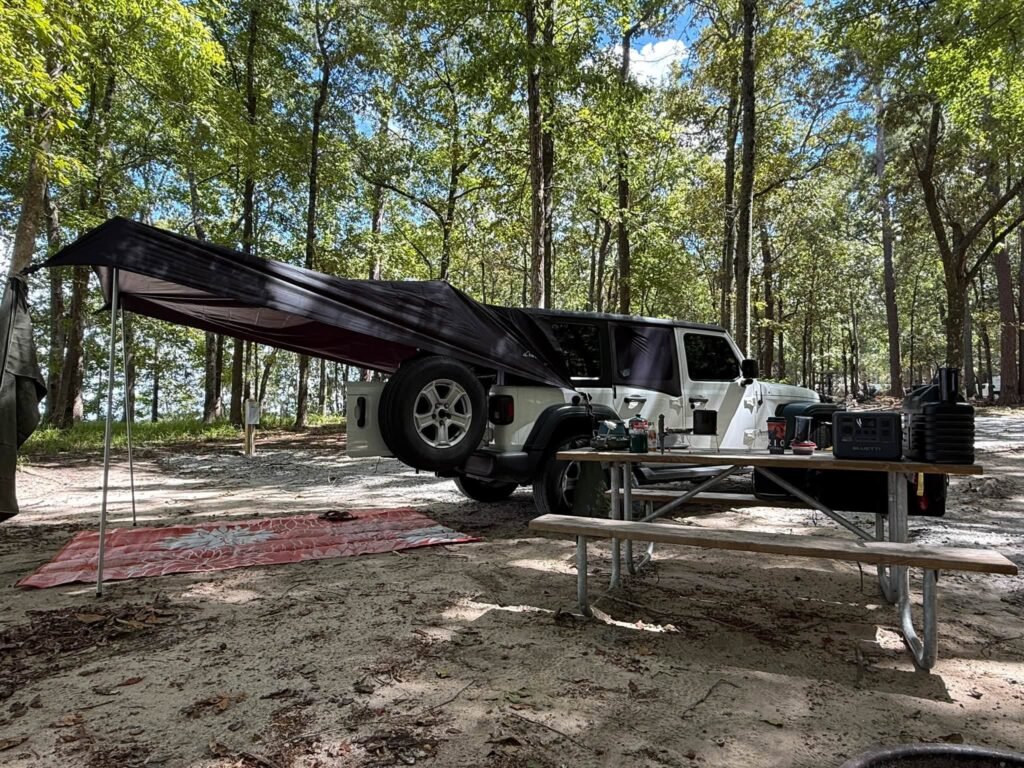
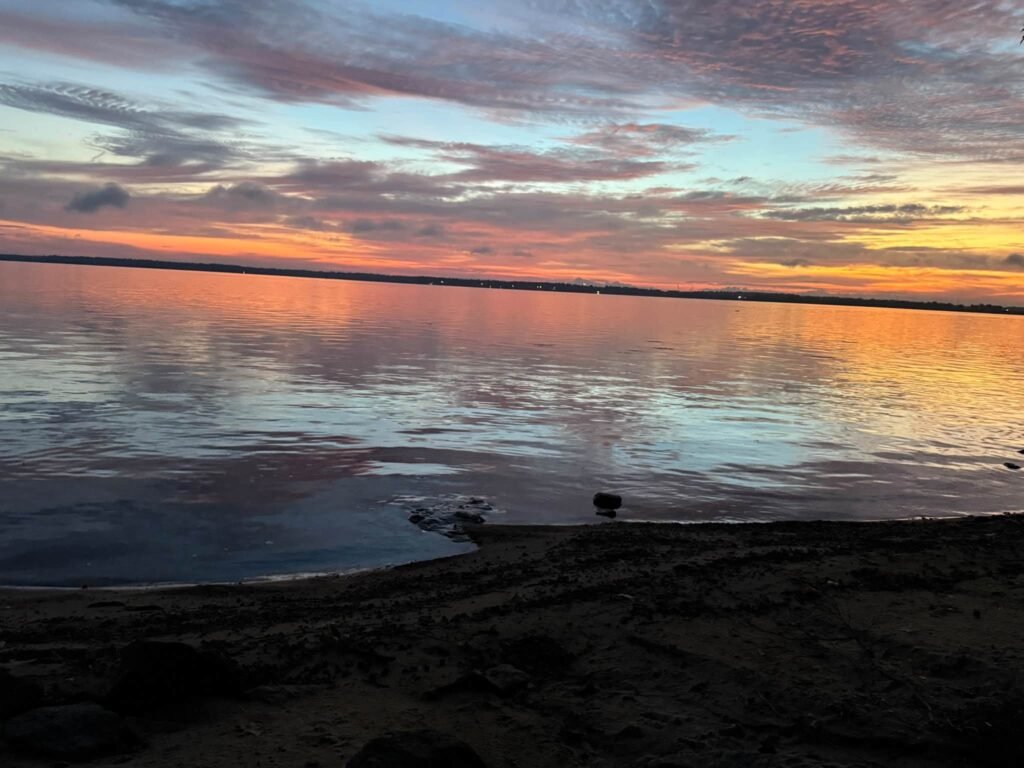
A work week changes how you pick a campsite. The most remote spot on the map is for the weekend. On workdays, you want the spot with a view and a connection, even if it’s a little less wild.
Here’s what I look for:
Signal you can verify. Check every carrier’s coverage map, then read recent campsite reviews. Apps like Campendium and iOverlander often note how many bars people actually got, and on which carrier.
Open sky for Starlink. Trees that make a perfect shady camp can block the dish. Run the obstruction check in the Starlink app before you set up the tent, not after.
Level ground and room for the office. The T3 needs a flat spot, and so does a desk you’ll sit at for hours.
Some shade, some quiet. Away from the main loop, the generator crowd and the trailhead parking.
A town within reach. Close enough for town days, laundry, a restock and a coffee shop with a plug.
Time to stay. Moving camp eats a workday. Pick a spot you’ll want to stay in for a few nights.
Close to home in the Lowcountry, my go-tos are Honey Hill Recreation Area in the Francis Marion National Forest and the Santee Coastal Reserve. When I want a more organized setup, I head to Santee State Park.
Work inside the tent
This one surprised me. Sitting at a picnic table or the camp table is great, but I get more done inside the tent.
Outside, it’s the sounds, the people walking by, the wind, the distractions. Inside, it’s quiet, and there’s privacy for phone calls and conference calls. Clients want to know you’re focused and attentive. They don’t need to know you’re working from a campsite, unless it’s an outdoor campaign or a travel client where the backdrop is the point.
My office is a Gazelle T3 hub tent. A lot of people go for the bigger T4, but I find it larger and more cumbersome than I need. The T3 fits the Jeep Wrangler perfectly. I can stand up, slightly bent at the top, and sitting down it feels beautifully large. It’s easy to set up and more than enough for one or two people.
A desk, not a camp table
If you’re working remote, this isn’t camping. Your setup should look more like your desk at home.
I love my NEMO Stargaze EVO-X, but it’s not great for working in. A swinging, full-recline chair is for the fire, not for spreadsheets. For work, I want a normal, upright chair where I can sit up straight.
Same with the table. I run two. A Topchances folding table lives by the fire, and it’s perfect for setting down a drink or a plate. The office table is an ALPS Mountaineering Overlanding Table. For work, it needs to be desk-high, so you can sit properly and keep a good eyeline to the screen. If you use a second monitor at home, bring a portable one. It makes a bigger difference than you’d think.
Show up like you’re at the office
Don’t do your video calls from your phone. If you’re used to a camera setup at the office, bring one on the road.
I use a DJI Osmo Pocket 3 as my webcam, and it’s great. It also earns its place for photos and video on the rest of the trip. That’s the rule I pack by: one item, more than one job.
Power that lasts
The power station is the best example of that rule. My BLUETTI lasts all day, and a couple of days easily.
Here’s how I run it. The fridge stays plugged into the Jeep. The BLUETTI handles the laptop and all my devices, and only after the laptop has used up its own battery first. When I head out for a drive or into town, I unplug it, put it back in the Jeep, and it recharges while I go.
Town days
You’re not going to spend every waking moment in the woods. There’s laundry, errands, a fridge to restock.
Those are town days. Find a little town, have lunch, go sit in a coffee shop and plug everything in. Don’t be afraid to. Even the drive there tops the BLUETTI back up.
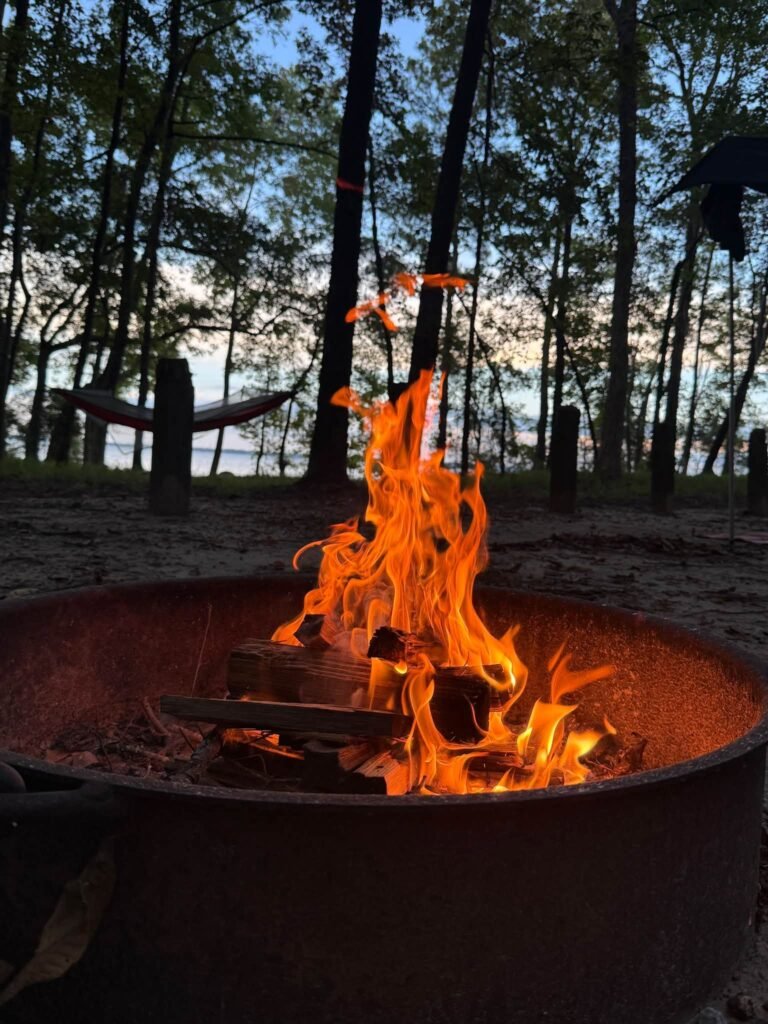
I keep camp set up the whole time. The bed stays made, on the cot or the air mattress depending on whether I’m sleeping in the Jeep. The fire stays set, with the Stargaze and the Topchances table out beside it. The ALPS table, the work chair and the computer setup stay in the T3. When I run to town, the laptop and the BLUETTI come with me. Everything else stays right where it is.
Take real breaks
The joy of working remote is the same here as it is at home: after a couple of hours, you stop and go for a walk. There’s nothing different about being outside, except your view is better.
That’s the trick, really. Out here there are zero interruptions. You are your only interruption. If your productivity is going down instead of up, it’s not a work-life balance problem. It’s still a productivity problem, and it’s yours to fix.
Before your first workday at camp
Confirm your connection first. Signal, Wi-Fi or Starlink, tested before the first call.
Back it up. Files in the cloud, and the essentials on a thumb drive.
Set up inside. The tent is quieter, more private and better for calls.
Bring a real chair and a desk-high table. Save the lounger for the fire.
Pack a proper camera. Not your phone.
Leave camp standing. Take the laptop and the power station to town; everything else waits for you.
The view is better. The work still counts. Get the work done, and the view is yours for the rest of the day.
Let’s talk it through
Thinking about working from the road but not sure where to start? Wondering which power station, tent or table is worth it, or how to find a spot with signal? Reach out. I’m happy to have a conversation, share what’s worked for me and what hasn’t, and help you build a setup that fits the way you work.
Send me a note (choose “Question from a blog”), or email Dante@TridentTravelExperience.com.
Building your setup? Start with Build a Camp You’ll Want to Stay In. Ready to plan a trip where the road is the office? Plan a trip.